
Create your Partner account
To get started, create your Partner account at https://partner.growfer.shinkly.com.
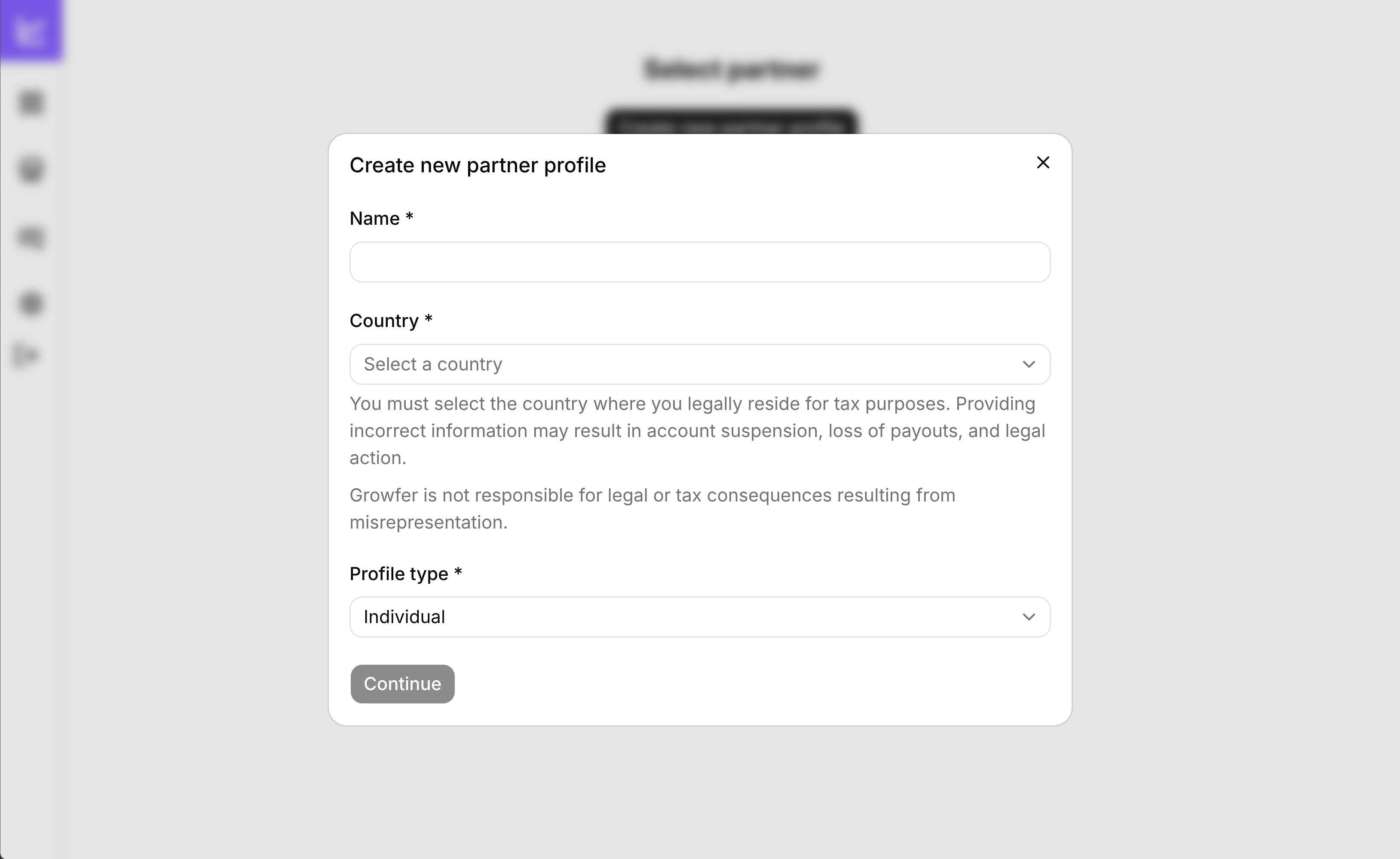
You can create an account as either:
- Individual – If you're joining as a person.
- Company – If you're joining on behalf of a business.
We recommend to create a single Partner account per person/company.
Always use accurate information to help ensure smooth payouts and account verification.
Individual account
If you're creating an individual account:
- Enter your real name.
- Select Individual as your profile type
Your name will be used on payout receipts.
Company account
If you're creating an account on behalf of a company:
- Enter your real name.
- Select Company as your profile type.
- Enter your company name.
Your company name will be used on payout invoices.
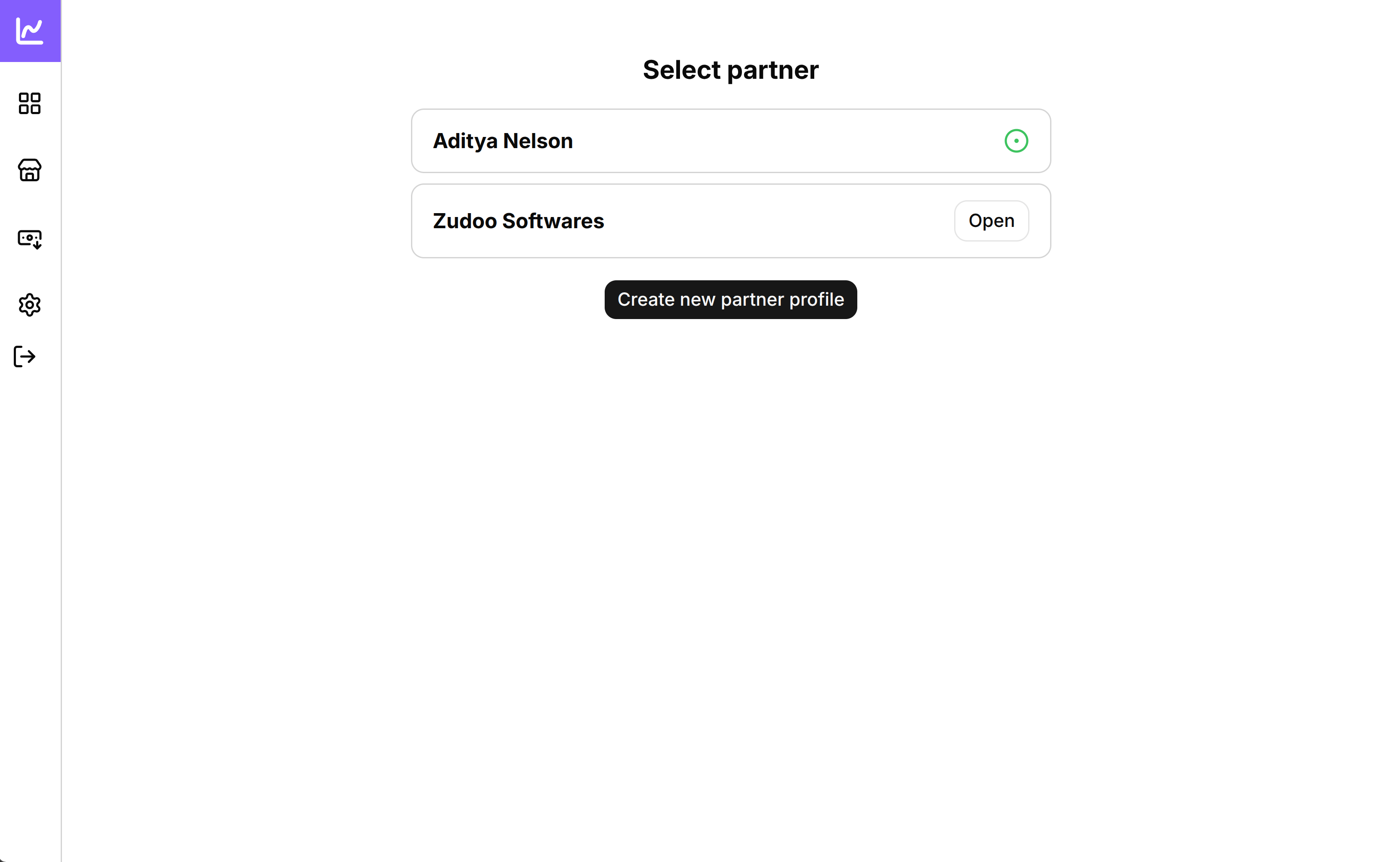
Switching Partner Profile
The Partner account which has "green circle" is currently active.
You can select on the "Open" button if you would like switch to another Partner account.
FAQ
What is Partner profile?
A Partner Profile is your affiliate or referral account used to join partner programs, get tracked referral links, and receive commission payouts.
You can create a partner profile as an individual or company.
I created a Partner profile by mistake. Can I delete it?
You cannot delete a Partner profile yourself at the moment.
Please email us at yashu@shinkly.com, and we'll see how we can help.